
Download Free DRM Removal – Fast, Secure DRM‑Free MP4 Converter
Overview
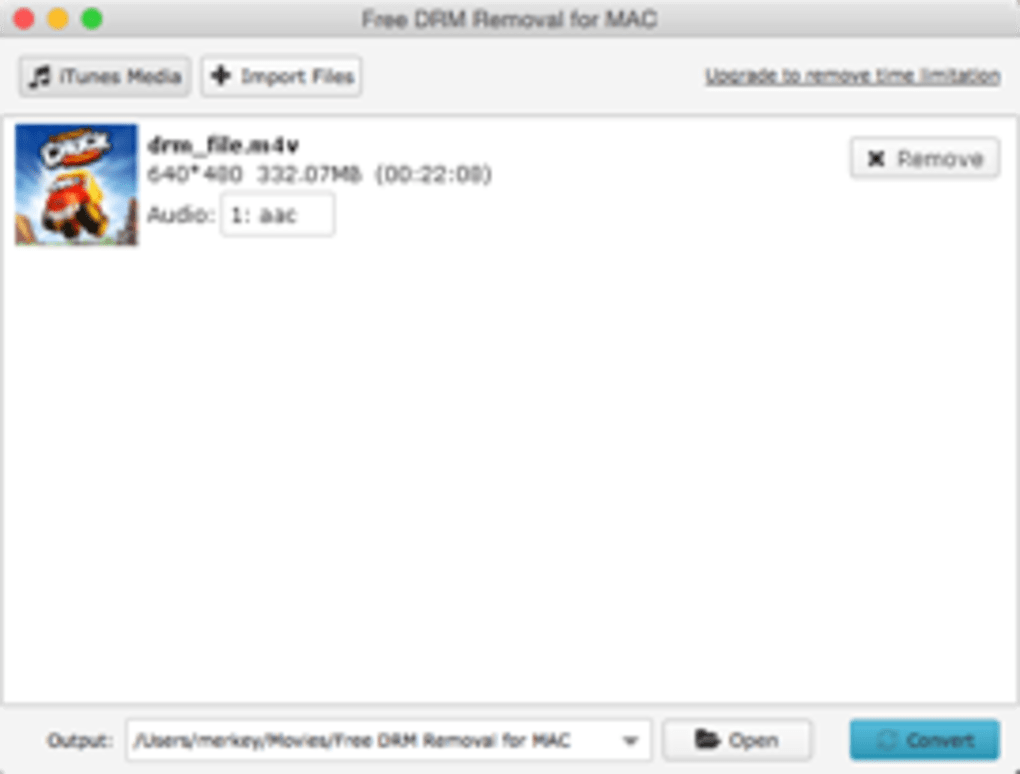
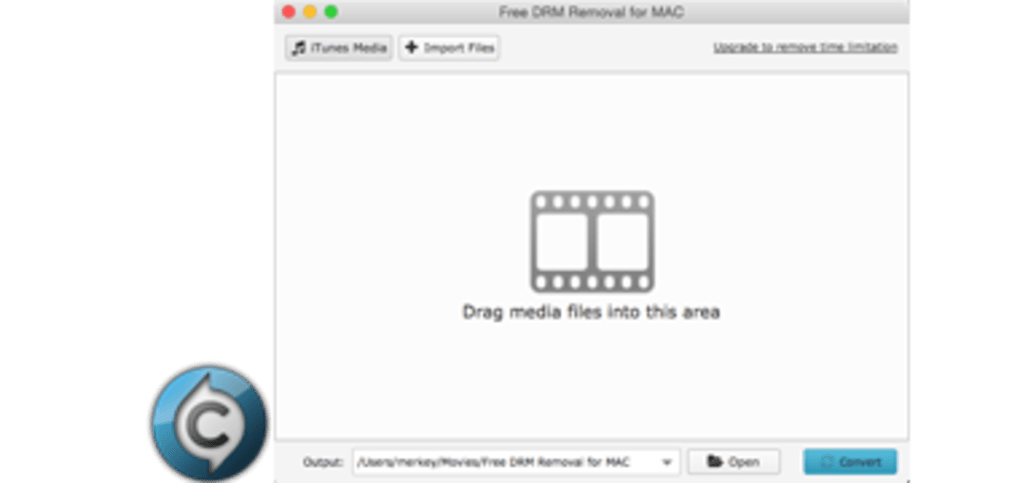
Free DRM Removal is a lightweight, completely free utility designed to strip digital rights management (DRM) from video files and output them as standard MP4 containers. Whether you have purchased movies from iTunes, rented educational videos, or own a collection of DRM‑protected clips, this tool removes the protection without sacrificing audio‑video sync or visual fidelity. The interface is intentionally simple: drag‑and‑drop your source files, choose an output folder, and let the engine handle the heavy lifting.
Because the software runs locally, it avoids cloud‑based privacy concerns and guarantees that your media never leaves your computer. The conversion speed scales with file size and CPU cores, making batch processing of dozens of files practical for both home users and small‑business content managers. In addition to the core DRM‑removal engine, the program includes a basic media preview window, progress indicators, and optional post‑conversion quality checks.
The free nature of the app does not mean compromised support; regular updates are released to keep pace with new DRM schemes and operating‑system changes. Overall, Free DRM Removal offers a reliable, secure, and user‑friendly solution for anyone who needs to convert protected media into a universally playable format.
Key Features of Free DRM Removal
- Full‑quality MP4 output – retains original resolution, bitrate, and audio channels.
- Batch conversion – process multiple files simultaneously with a single click.
- Cross‑platform compatibility – works on Windows 10/11, macOS 10.15+, Android 8+, and iOS 13+.
- Drag‑and‑drop UI – no technical knowledge required to start a conversion.
- Preserves audio‑video synchronization – eliminates the common “out‑of‑sync” issue.
- Automatic update checker – ensures you always run the latest, most secure version.
- Secure, offline processing – your media never leaves your device.
- Lightweight installer – under 30 MB, minimal system impact.
- Built‑in preview – view source and destination files before confirming conversion.
- Free for personal and commercial use – no hidden fees or subscription models.
Installation, Compatibility, and How to Use the Tool
Getting started with Free DRM Removal is straightforward. First, download the installer from the official website. The file is a single executable for Windows (.exe) or a DMG package for macOS. Android users receive an APK, while iOS users can install via TestFlight or the App Store, depending on the release channel. Once downloaded, run the installer and follow the on‑screen prompts; the wizard automatically detects the appropriate installation directory and creates a desktop shortcut.
Compatibility is broad: the software supports 64‑bit Windows, macOS, Android, and iOS. Minimum system requirements include 2 GB RAM, 500 MB of free disk space, and a modern processor with SSE2 support. For optimal batch performance, a multi‑core CPU and SSD storage are recommended.
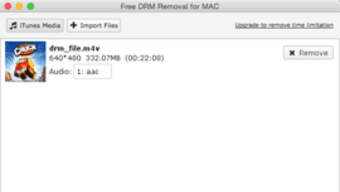
After installation, launch the application. You’ll see a clean window divided into three panels: source files, conversion settings, and progress log. To convert a file, simply drag it from Explorer (or Files on macOS) into the source panel, select the desired output folder, and click the “Remove DRM” button.
The software automatically detects DRM type (iTunes, Adobe, etc.) and applies the correct decryption routine. For batch jobs, select multiple files or an entire folder before clicking start. The progress bar provides real‑time feedback, and you can pause or cancel at any time.
Windows, macOS, Android, iOSPros and Cons
Pros
- Completely free with no hidden charges.
- Preserves original video and audio quality.
- Fast batch processing saves time on large libraries.
- User‑friendly drag‑and‑drop interface.
- Works offline, keeping your media private.
- Regular updates keep up with new DRM schemes.
Cons
- Advanced users may miss granular codec‑level controls.
- No built‑in video editor for trimming or cropping.
- Limited support for obscure DRM formats beyond iTunes.
- Batch conversion can be CPU‑intensive on older machines.
Frequently Asked Questions
Is Free DRM Removal legal to use?
The legality depends on your jurisdiction and how you use the converted files. In many countries, removing DRM for personal, non‑commercial use of content you have legally purchased is permissible. However, redistributing or sharing stripped content may violate copyright law. Always consult local regulations before proceeding.
Can I convert protected audio files as well?
The current version focuses on video formats (MP4, MOV). Audio‑only DRM removal is planned for a future update, but for now you can extract the audio track after conversion using a separate tool.
What happens to subtitles and metadata during conversion?
Embedded subtitles are retained and re‑muxed into the output MP4 file. Metadata such as title, artist, and genre is copied whenever possible, though some DRM‑specific tags may be stripped.
Is there a limit to the number of files I can process at once?
There is no hard‑coded limit; the only constraints are your system’s memory and CPU resources. On a typical modern PC you can comfortably handle 20–30 files in a single batch.
Do I need an internet connection to remove DRM?
No. All decryption happens locally. An internet connection is only required for the initial download and for checking optional software updates.
Conclusion & Download CTA
Free DRM Removal delivers on its promise: a fast, secure, and completely free way to turn DRM‑protected video files into standard MP4s that play on any device. Its intuitive drag‑and‑drop workflow, batch processing capability, and commitment to preserving original quality make it an excellent choice for casual users and small‑scale content managers alike. While power users may crave deeper codec controls, the core feature set is robust enough for most everyday scenarios. If you’re looking for a hassle‑free solution that respects your privacy and keeps your media library accessible, click the download button below and start converting today.
Download Free DRM Removal – Get Started Now
The application lives up to its “free” label without compromising on performance. Batch conversion works smoothly, and the UI feels modern despite its simplicity. Minor drawbacks like the lack of advanced editing tools are outweighed by the core functionality.







